
Digiboquet
Digiboquet is a digital bouquet: virtual flowers you arrange and send by link. Build one in five minutes — pick blooms, write a note, share. Free, no app.
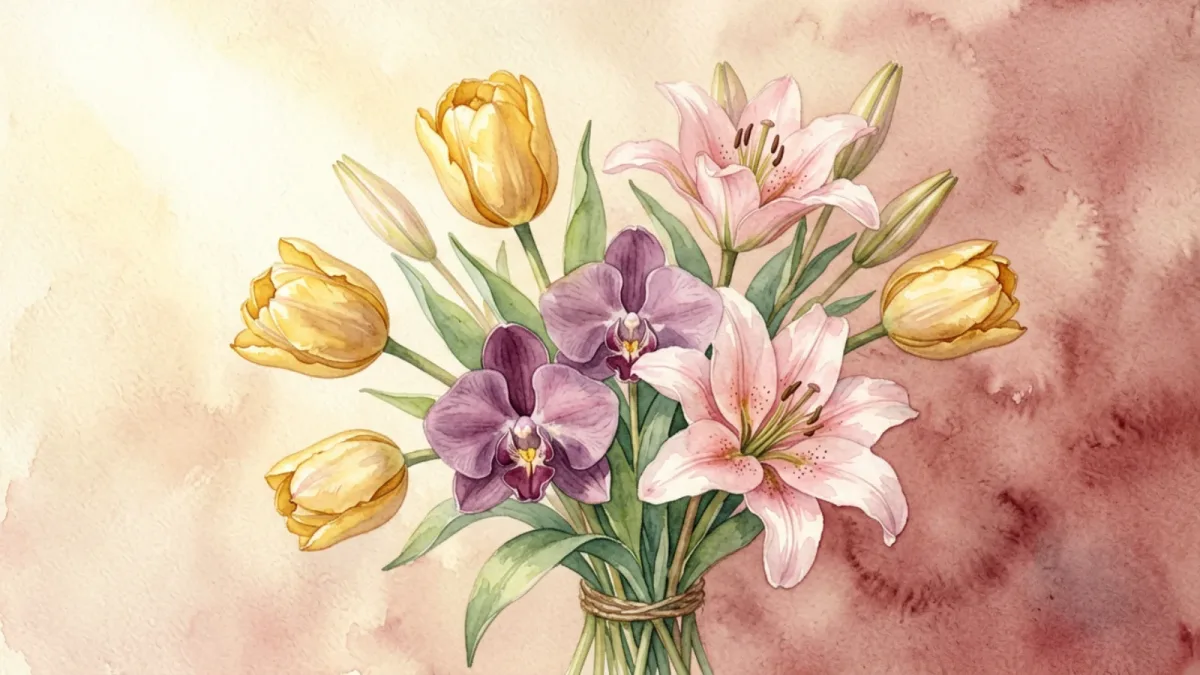
If you searched for digiboquet, you're looking for a digital bouquet — and you've found the free tool to make one. Digiboquet is simply another common spelling of digital bouquet, the kind of virtual flowers you arrange yourself and send to someone as a link. Drop the missing u or keep it; the result is the same: a thoughtful, instant, free way to send flowers that never wilt.
A lot of people type "digiboquet" by accident — it's a natural misspelling when you hear "digi-bouquet" spoken and write it down quickly. Rather than send you to a dead end, this page gives you exactly what you came for.
What a digiboquet actually is
A digiboquet is a small floral arrangement rendered on a screen, not grown in soil. You pick from eight blooms — rose, peony, tulip, daisy, lily, orchid, camellia, lotus — and compose them into a bouquet that's yours alone. Add a short message on a card background you choose, and the finished piece is packed into a single link you can send anywhere.
The person receiving it taps the link and the bouquet opens in their browser, message and all. There's nothing for them to install or sign up for. There's nothing for you to pay. And unlike cut flowers, it doesn't brown and droop after a week — it stays exactly as you made it, ready to be reopened whenever they want a reminder.
Making one takes five minutes
The whole thing is four steps, and you can build a digiboquet now without leaving this site:
- Pick your flowers. Choose a few blooms from the eight available, thinking about color and meaning.
- Choose a card style. A background that suits the mood you're going for.
- Write the note. Up to 500 characters of whatever you want to say — this is what they'll hold onto.
- Send the link. Copy it, text it, share it however you reach them. They open it and see the bouquet.
There's no premium tier gating the good flowers, no account wall, no checkout. Free means free, for every visit.
How a digiboquet arrives
The person you send a digiboquet to taps a link, and the bouquet unfolds in their browser — your chosen card background, the flowers composed the way you placed them, your note underneath. No app to install, no account to create, no permission dialog. It opens the way any ordinary web page opens.
This matters more than it sounds. Most digital "gifts" arrive behind some kind of gate — a download, a sign-up, a login from a provider they don't use — and each step is a small drop in the warmth. A digiboquet removes the gate entirely; the gesture and the arrival are the same instant. They see it the moment you send it, in the browser they already have open, and they can reopen it a month later and it's unchanged.
Equally useful: a digiboquet doesn't demand a reply the way a phone call or a delivered gift can. It arrives, it sits there, and the recipient opens it on their own time. That makes it well suited to the messages that shouldn't carry the pressure of an immediate response — a thank-you, a thinking-of-you, a quiet apology — where the point is to say the thing, not to start a conversation. They can read it twice and answer when they're ready, or simply let it stand.
Making the note specific
Eight flowers chosen well will look beautiful; the note is what makes them yours. The digiboquet note field holds up to 500 characters, and the strongest notes use a fraction of that. Brevity reads as confidence; a wall of text reads as a greeting card.
The notes people remember tend to do one of three things. They pin a specific memory ("the morning you explained time zones to me over pancakes"). They say something direct that's hard to say out loud ("I was wrong, and I'm sorry"). Or they replace the expected cliché with the real thing — instead of "happy anniversary," a line about the exact year and what changed in it. What doesn't land: borrowed lines from poets, a string of emojis with no words, or a message so generic it could be forwarded. Thirty seconds of specificity is the entire difference between a digiboquet that gets a smile and one that gets screenshotted and kept.
Where "digiboquet" comes from
The word "bouquet" carries a vowel cluster — "ou" — that French handles easily and English speakers tend to simplify. When the "digi-" prefix (digital, as in digicam or digitize) gets joined to it, the mouth and the keyboard both conspire to flatten the spelling. "Digiboquet," with the 'o' replacing the 'ou,' is one of the natural results: people say "bo-kay," write "bo," and move on.
It's not a different product or a different idea. It's the same digital bouquet, arriving through a spelling the way people actually type. The reason this page is written under "digiboquet" is simple — a meaningful number of people search exactly that string, and they should land on a page that gives them the thing they want rather than a 404 or a redirect that pretends they didn't just type it.
When a digiboquet isn't the right choice
Worth saying plainly: there are moments a digiboquet doesn't fit, and recognizing them is part of using it well.
A formal occasion that expects a physical gift — flowers on a table at a wedding or a memorial, a centerpiece at an anniversary dinner — is not what a digiboquet is for. The screen doesn't replace the weight of something that occupies a room. Likewise, if the message you need to send is heavy and the recipient reads weight through physical presence, a delivered arrangement or a handwritten letter will land harder. Where the digiboquet wins is everything else: the quick, the unprompted, the across-the-world, the can't-wait-for-delivery, the just-because. Used inside its lane, it reads as thoughtful. Used outside it, it can read as evasive. The difference is mostly about matching the medium to the moment.
Choosing by occasion
If you're stuck on which flowers, a few pairings by occasion that tend to read true. For a birthday, a rose and a peony together read warm and celebratory. For a get-well, a tulip and a daisy carry brightness without heaviness. For an apology, a tulip with a single rose keeps it sincere without overdramatizing. For missing someone far away, an orchid or a lotus reads as enduring rather than urgent. For gratitude, a camellia beside a rose. None of this is a rulebook — it's just that two flowers sharing a mood almost always read better than five chosen to cover every option. You can try combinations in the builder until one feels right.
Reasons people send a digiboquet
- It costs nothing, so you never have to wait until you can "afford" to be thoughtful.
- It arrives instantly — the second you send it, not sometime tomorrow afternoon.
- It works across any distance, reaching someone on the far side of the world as fast as someone across town.
- It doesn't fade — the link keeps the bouquet intact indefinitely.
- It's unmistakably yours, because you chose each flower and wrote each word.
A few flowers and what they carry
If you're choosing blind, here's a shorthand for the eight on offer. A rose speaks of love; a peony of good fortune; a tulip of bright, honest affection; a daisy of cheer; a lily of calm devotion; an orchid of quiet elegance; a camellia of longing; a lotus of peace and new beginnings. Pairing two or three by feeling — rather than decoding each one — tends to produce the bouquet that reads truest.
Good moments to send one
A digiboquet shines in the small, unglamorous moments that real flowers are too slow or too expensive for: a midweek pick-me-up for a tired friend, a gentle apology after a stupid argument, a get-well note that can't sit in a delivery queue, a "just missing you" to someone an ocean away. It handles the calendar occasions too — birthdays, anniversaries, thank-yous — but it's the unscripted ones, sent for no special reason, that people tend to remember.
The spelling, settled
The product is a digital bouquet, and the site is digibouquet. Digiboquet, digibouqet, and digibouquet are the spellings that surface most often in search — all of them roads to the same place. For the long version, the digital bouquet guide goes deep, and if you're curious about the short form people say out loud, the digi bouquet page has that.
Send yours today
A digiboquet is just a digital bouquet by another spelling, and making one is free. Nothing's standing between you and it — create a digiboquet and send it to someone now.
Frequently Asked Questions
What does digiboquet mean?
Digiboquet is an alternate spelling of digital bouquet — a custom arrangement of virtual flowers you build online and send as a link. Whatever spelling you searched, it's the same free thing.
Is digiboquet the same as digibouqet?
Yes. Digiboquet, digibouqet, and digibouquet are all spellings people use for the same idea — a digital bouquet. They all lead to the same free tool for sending virtual flowers by link.
Do I have to pay to send a digiboquet?
No. Creating and sharing a digiboquet is completely free — no subscription, no paywall, no account. Every flower and card style is available to everyone.
Can the recipient open it without signing up?
Yes. You send a link; they tap it and the bouquet opens in their browser. There's no app to install and no sign-up required on their end.
Does a digiboquet expire?
No. The bouquet is stored in the link itself, so it stays exactly as you made it. It never wilts and can be reopened any time.
Make your own in five minutes
Choose flowers, write a note, and share a link — free.
Create a digital bouquet →