
Digital Bouquet
Create a digital bouquet: free virtual flowers shared by link. Pick blooms, write a note, and send a digibouquet anyone opens instantly. No cost, no wilting.
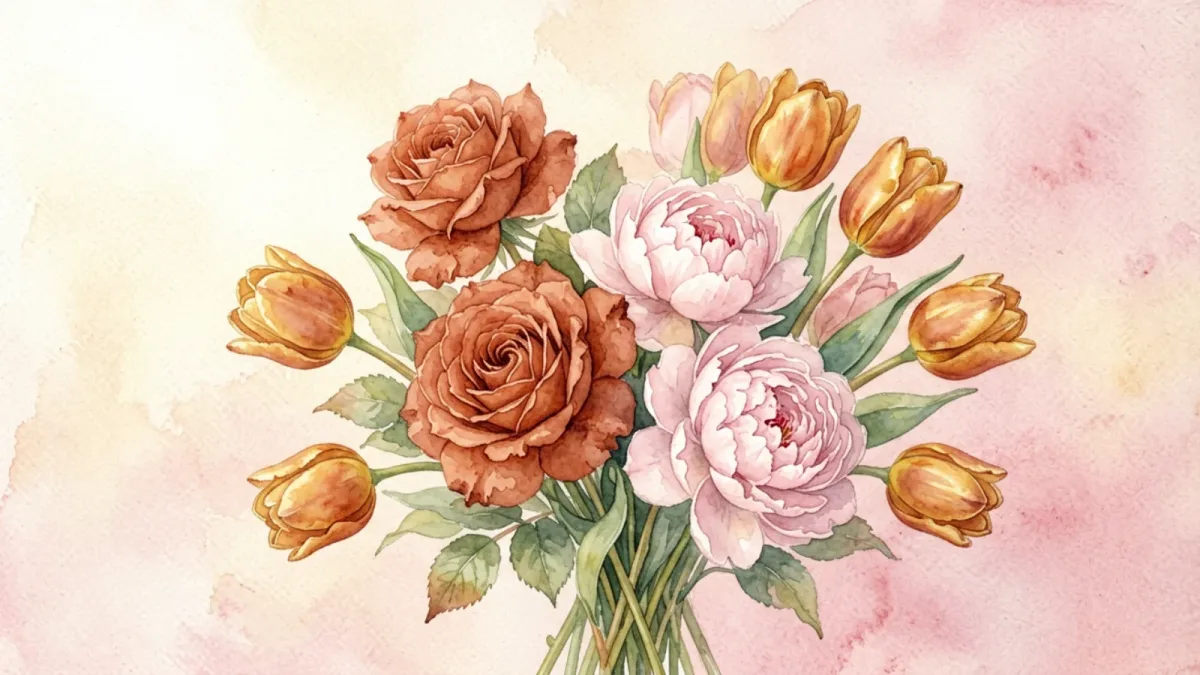
A digital bouquet is a small arrangement of flowers that lives online instead of in a vase. You build it flower by flower, pair it with a handwritten note, and send the person you're thinking of a single link. When they open it, the blooms reveal themselves the way a real bouquet is unwrapped — only this one never wilts, costs nothing, and arrives the moment you hit send.
That's the whole idea behind digibouquet: take the warmth of sending flowers and strip away everything that gets in the way — the price, the delivery window, the distance, the dead stems a week later. What's left is the gesture itself, distilled into something you can share from any device, to anyone, for free.
What is a digital bouquet?
A digital bouquet — sometimes called a digi bouquet or a bunch of virtual flowers — is a custom-made cluster of flowers rendered on a screen rather than grown in soil. Where a florist snips stems and arranges them in foam, you choose from a set of illustrated blooms (roses, peonies, tulips, daisies, lilies, orchids, camellias, and lotuses) and compose them into a bouquet that's uniquely yours.
Each finished bouquet carries two things:
- The flowers themselves, which you pick for their color and meaning.
- A message, written in your own words, on a card style you choose.
The bouquet is then encoded into a shareable link. There's no account to create, no app to install, and no database storing your private note — the bouquet is the link. Hand it to someone by text, email, or social post, and the moment they tap it, the arrangement unfolds for them on whatever device they're holding.
This is what separates a digital bouquet from a stock photo of flowers. It's composed by you, it carries your words, and it's meant to be opened — a tiny reveal rather than a flat image. The same way a greeting card beats a text because someone chose it, a custom bouquet beats a forwarded picture because you built it.
Why send a digital bouquet?
The honest reason most people send one is that they want to reach someone, and a plain text doesn't feel like enough. A digital bouquet fills the gap between "thinking of you" and an actual flower delivery:
- It's free. Sending virtual flowers costs nothing, so the gesture never has to wait on a budget.
- It's instant. No florist lead times, no shipping windows, no "delivered by noon tomorrow." You send it now; they see it now.
- It travels anywhere. A bouquet sent from one continent lands on another in the same second. Distance stops being a reason to stay silent.
- It lasts. Real flowers fade inside a week. A digital bouquet stays exactly as you made it — the link keeps working, so the recipient can reopen it months later and feel the same thing they felt the first time.
- It's personal. Because you choose each bloom and write the note, no two are alike. It reads as thoughtful, not mass-produced.
People send them for the same reasons flowers have always been sent — to say I love you, I'm sorry, get well, congratulations, thank you — plus a few that real flowers don't handle well: a low-pressure hello to someone far away, a little brightness on a hard day, a way to be present when you can't be there in person.
How to make a digital bouquet
Making one takes about five minutes and follows four small steps. You can start one right now in the create tool — here's what happens along the way:
- Choose your flowers. Pick from eight botanical varieties, each with its own meaning. Mix a few for color and sentiment — a rose for love beside a daisy for cheer.
- Pick a card style. Choose a background that matches the mood you're going for, from soft cream to warm gold.
- Write your note. A few lines from the heart, up to 500 characters. This is the part people remember.
- Share the link. Copy it, text it, post it — however you'd reach the person. They open it and the bouquet reveals itself.
That's the entire flow. There's no sign-up, no paywall, and no premium tier hiding the good flowers behind a subscription. The same bouquet a stranger makes is the same one you can make. If you'd rather see what others have put together before you start, the bouquet ideas gallery on the home page is full of starting points, and the step-by-step walkthrough explains each stage in more detail.
How recipients experience it
The whole point is that opening a digital bouquet should feel like receiving one. When the person you sent it to taps the link, their browser loads a page that shows the bouquet unfolding — the flowers settling into place against the card background you chose, with your note right there beside them.
Nothing is asked of them. No login screen, no app install prompt, no "create an account to view." They don't even need to know what a digital bouquet is beforehand — they tap, they see flowers and a message from you, and the meaning lands immediately. The link works on phones, tablets, and laptops alike, and it keeps working, so they can reopen the same bouquet whenever they want a reminder.
Because the bouquet is encoded in the link itself rather than stored on a server you don't control, what you send is private between you and them. There's no profile to stumble onto, no comment thread, no data sitting in a database waiting to be breached. It's just your arrangement and your words, opened on their screen.
What each flower means
Half the fun of building a digital bouquet is choosing blooms that say something. Here's a quick guide to the eight available:
Rose
The classic. Love, romance, and deep affection — reach for a rose when the feeling is unmistakable and you want a flower that everyone understands.
Peony
Prosperity, honor, and a kind of lush good fortune. Peonies feel generous and abundant, well suited to celebrations and big life moments.
Tulip
Perfect love, but lighter than a rose — bright, honest, and a little playful. Tulips are the flower of choice when you want warmth without heaviness.
Daisy
Innocence and cheer. The friendliest flower in the set, ideal for lifting someone's spirits or sending a no-strings-attached hello.
Lily
Devotion and purity — quiet, elegant, and slightly formal. Lilies carry a sense of calm and sincerity.
Orchid
Elegance and quiet strength. Orchids feel considered and rare, good for someone whose taste you admire.
Camellia
Admiration and longing — the flower for someone you're missing, especially when distance is in the way.
Lotus
Rebirth and peace. A calm, centered bloom, well suited to new beginnings, recovery, or comfort after a hard stretch.
Most people don't overthink the selection. They pick two or three that feel right together and let the colors do the rest — a rose and a peony for a birthday, a tulip and a daisy for a friend, a camellia and a lotus for someone far away.
Digital bouquet ideas for every occasion
Because a digital bouquet is fast, free, and personal, it fits moments where real flowers feel like too much trouble or too slow to arrive:
- Apologies. When you've said the wrong thing and a tulip says what words can't, a quick bouquet can soften the landing before the conversation continues.
- Birthdays. A custom arrangement beats a forwarded meme, and it takes about the same amount of effort to send.
- Get-well wishes. Send brightness to someone stuck at home — no allergies to worry about, no hospital flower rules to navigate.
- Long distance. When someone you love is on the other side of an ocean, a bouquet that opens instantly closes the gap for a moment.
- Anniversaries. Mark the date with blooms you chose for each other rather than a generic arrangement pulled from a catalogue.
- Just because. Often the best reason of all. Sending flowers for no occasion at all is frequently the one that lands hardest.
If you're stuck for a starting point, the gallery on the home page shows half a dozen ready-made examples, each of which you can remix into something of your own.
Digital bouquet vs. real flowers
Real flowers are wonderful — nobody's arguing otherwise. But they come with trade-offs that a digital bouquet sidesteps cleanly:
- Cost. A delivered arrangement runs $40–$100 and up; a digital bouquet is free, every single time.
- Speed. Same-day delivery is the best a florist can manage; virtual flowers arrive the second you send them.
- Distance. International flower delivery is expensive and unreliable; a link works everywhere there's a phone.
- Lifespan. Cut flowers last about a week; a digital bouquet lasts as long as the link does, which is indefinitely.
- Permanence. Real arrangements are gone once they wilt; a digital one can be reopened, screenshotted, or saved forever.
None of this means digital flowers replace real ones. It means there's now a free, instant option for all the moments where ordering a delivery felt like too much trouble, too slow, or simply too far away. For a quick "I'm thinking of you" on a random Tuesday afternoon — or a heartfelt note that needs to cross an ocean tonight — a digital bouquet is often exactly the right size of gesture.
Ready to put one together? Create a digital bouquet and send it to someone today.
Frequently Asked Questions
What is a digital bouquet?
A digital bouquet is a custom arrangement of flowers you build online and send as a link. You choose the blooms, pick a card style, write a short note, and the recipient opens a reveal of the finished bouquet — no app, no account, no cost.
Is it really free to send one?
Yes. Creating and sending a digital bouquet on digibouquet.site is completely free. There is no subscription, no paywall, and no premium tier — every flower and card style is available to everyone.
How does the recipient open it?
You get a shareable link after creating your bouquet. Send it by text, email, or social media. When the recipient taps it, their browser opens the bouquet and the flowers reveal themselves. They never need to sign up or install anything.
Will the flowers wilt or disappear?
No. A digital bouquet stays exactly as you made it for as long as the link exists. Real flowers fade in about a week, but a virtual bouquet can be reopened months later and look identical.
Can I send one from my phone?
Yes. The create tool works in any modern mobile or desktop browser. You can build and send a bouquet in about five minutes from wherever you are.
Make your own in five minutes
Choose flowers, write a note, and share a link — free.
Create a digital bouquet →