
Digital Flowers
Digital flowers are free blooms you build online and send by link. Add a note, share it instantly, and they never wilt — no app, no cost, no account.
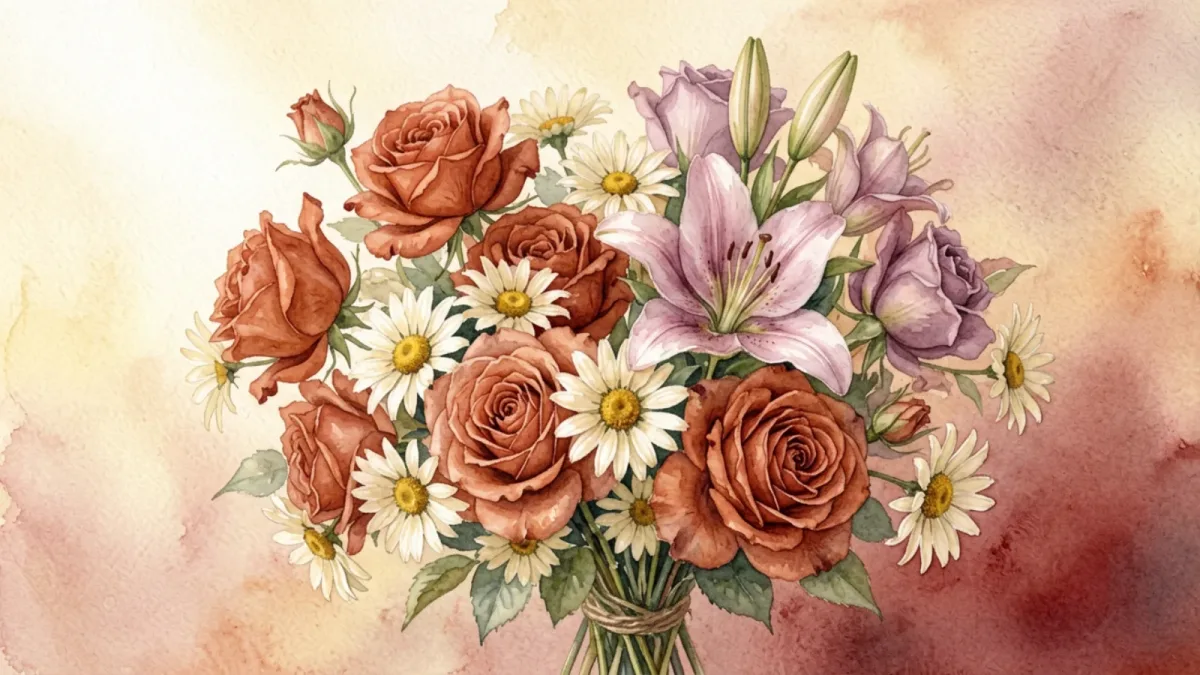
Digital flowers are flowers that arrive through a link instead of a delivery van. You build a small bouquet online, add a note, and send the link to whoever you're thinking of. They tap it, and the blooms open on their screen — the modern equivalent of a greeting card, only it's made of flowers and it never gets thrown away.
Think of digital flowers the way you think of an e-card: all the thoughtfulness of a physical greeting, none of the postage, the wait, or the clutter. They're built for the way people actually reach each other now — through a phone, in a message, on impulse. When a thought hits you at 11pm and you want to act on it before it fades, a link is the right shape of gesture. No florist is open, no delivery can be scheduled, and honestly you wouldn't want to spend forty dollars on the impulse anyway. Digital flowers let the impulse survive long enough to become something the other person can actually hold onto.
What are digital flowers, exactly?
A bunch of digital flowers is an arrangement you compose from eight illustrated blooms — rose, peony, tulip, daisy, lily, orchid, camellia, lotus — paired with a card background you choose and a short message you write. The whole thing is packed into a single link.
That link carries the bouquet. There's no account to create, no app to install, and no database holding your private note — the flowers and your words live in the link itself. Send it however you reach people, and the moment they open it, the arrangement is there in front of them.
This is the part that genuinely distinguishes digital flowers from forwarding someone a photo of a bouquet you found online. A photo is the same for everyone; it carries nothing of you. Digital flowers are composed by you, they carry your words, and they're meant to be opened — a tiny reveal rather than a flat image. The same way a handwritten card lands differently from a text, a bouquet you chose and arranged lands differently from a picture you passed along.
How to make digital flowers
Making one takes about five minutes and happens entirely in your browser. You don't sign up, you don't download anything, and nothing is sent until you choose to share the link. The flow is four small steps, and you can send digital flowers here whenever you're ready:
- Pick your flowers. A few blooms from the eight available, chosen for color and sentiment. As you add each one, the preview updates in real time, so you're watching the arrangement take shape — maybe a tulip because the person likes spring, a peony because it's their birthday, a lotus because they've been through something hard.
- Choose a card style. A background to match the mood, from soft cream to warm gold. The card sets the stage for the whole reveal — a warm tone for comfort, a bright one for celebration, a quiet one for sympathy.
- Write your note. Up to 500 characters — the heart of it, in your own words. That's about two short paragraphs, which is plenty: most of the messages people remember are a sentence or two of genuine warmth, not an essay.
- Share the link. Text it, email it, post it on someone's timeline — however you'd normally reach them. They open it and the bouquet reveals itself, the blooms settling into place against the card you picked.
Hit share and you get a link. That link is the finished bouquet. The instant the recipient taps it, the flowers open — no install prompt, no login wall, no "create an account to view." It just works, on whatever device they're holding, and it keeps working so they can reopen it whenever they want a reminder. No checkout, no subscription, no tier that hides the good flowers behind a paywall. The digital flowers a stranger sends are identical to the ones you can send — free means free, on every visit.
Digital flowers vs. real flowers
Real flowers are wonderful — nobody's arguing otherwise, and there are moments where only a physical bouquet will do. But delivered flowers come with trade-offs that digital flowers sidestep cleanly:
- Cost. A delivered arrangement runs $40–$100 and up, before you've added a card or delivery fee; digital flowers are free, every single time.
- Speed. Same-day delivery is the best a florist can manage, and only if you order early enough; a digital bouquet arrives the second you send it, day or night.
- Distance. International flower delivery is expensive and unreliable, with arrangements sometimes held up at customs; a link works everywhere there's a phone, in the same instant.
- Lifespan. Cut flowers last about a week before they start to brown; digital flowers last as long as the link does, which is indefinitely.
- Permanence. A real arrangement is gone once it wilts; a digital one can be reopened, screenshotted, or saved forever.
- Friction. Ordering delivery means address forms, delivery windows, and someone needing to be home to receive it. A link skips all of it.
None of this means digital flowers replace real ones. It means there's now a free, instant option for all the moments where a delivery felt like too much trouble, too slow, or simply too far away.
When digital flowers are the better choice
Because they cost nothing and arrive instantly, digital flowers suit a remarkably wide range of moments — particularly the ones where real flowers fall down:
- A gentle apology bouquet when words alone feel thin and you can't wait for next-day delivery to soften the landing.
- A get-well bouquet that can't sit in a delivery queue — and no allergies or hospital flower rules to worry about.
- A long distance "I miss you" that crosses time zones in a tap, landing before the thought goes cold.
- A birthday bouquet that's actually personal, instead of a forwarded greeting or a generic arrangement from a catalogue.
- A thank-you bouquet after a favor, or a Mother's Day bouquet when you can't be there in person.
- A just-because hello, which is often the one people remember — and the one you'd never spend forty dollars on.
Beyond these, the format flexes to anniversaries, congratulations, new babies, new homes, and the quiet days in between when someone just needs to know they're thought of. For the low-pressure hellos, the late-night impulses, and the moments that need to cross an ocean tonight, digital flowers are usually exactly the right size of gesture.
A quick read on the blooms
Each of the eight flowers carries a flavor worth knowing. Roses say love; peonies, abundance; tulips, bright affection; daisies, cheer; lilies, calm devotion; orchids, elegance; camellias, longing; lotuses, peace. Most people don't decode them one by one — they pick two or three that feel right together and let the colors speak. A rose and a peony for a birthday, a tulip and a daisy for a friend, a camellia and a lotus for someone far away.
If you want to lean into a single bloom, there's a dedicated page for each: a rose digital bouquet for unmistakable love, a peony digital bouquet for abundance, a tulip digital bouquet for bright warmth, a daisy digital bouquet for cheer, a lily digital bouquet for quiet devotion, an orchid digital bouquet for elegance, a camellia digital bouquet for longing, and a lotus digital bouquet for peace. The full guide to the format lives on the digital bouquet page.
The case for the unprompted gesture
Not every flower-worthy moment is an occasion. Most of them aren't. A friend had a rough Tuesday at work. Your partner is in a stretch of low mood you can't quite fix. Someone you haven't talked to in months crossed your mind on the bus. These are the small, daily moments where a real bouquet would be absurd — too expensive, too formal, too heavy for the size of the feeling. A scheduled delivery is built for anniversaries and birthdays; it's the wrong tool entirely for the impulse to say I'm thinking of you on a random Wednesday.
Digital flowers fit these moments precisely because they cost nothing and arrive instantly. The low stakes are the point. When a gesture is free and takes five minutes, you can afford to make it for thin reasons — a passing thought, a small worry about someone, a hunch that they could use a surprise. You'd never spend forty dollars and book a delivery window on that hunch. But you would build a quick bouquet and drop a link into a message, because the cost of trying is close to zero. That changes how often you actually reach people.
The gestures people remember are often the unprompted ones, precisely because no calendar told the sender to make them. A flower that arrives for no reason reads as you were on my mind, which is a harder thing to fake than a flower that arrives on a marked date. Digital flowers make that kind of reaching cheap enough to become a habit rather than a production — and a habit of small, unprompted kindness is worth more than any single grand arrangement.
Digital flowers vs. virtual flowers
Same idea, two labels. Digital flowers highlights the digital delivery; virtual flowers highlights that the blooms aren't physical. If you arrived here from the other term, the virtual flowers page tells the same story from its angle — whichever you searched, you're in the right place. And when you're ready to reach someone, digital flowers are free, instant, and lasting, with nothing in the way: no account, no app, no cost. Build your bouquet and send it to someone now.
Frequently Asked Questions
What are digital flowers?
Digital flowers are flowers delivered as a digital link rather than a physical bouquet. You build a bouquet from illustrated blooms, add a message, and send a link the recipient opens on their screen — free and instantly.
How do I send digital flowers to someone?
Build a bouquet (pick flowers, choose a card, write a note), then share the link it generates by text, email, or social media. The recipient taps it and the flowers open in their browser — nothing to install.
Are digital flowers free?
Yes. Sending digital flowers on digibouquet.site costs nothing — no subscription, no paywall, no account. Every flower and card style is available to everyone.
Do digital flowers expire or wilt?
No. The bouquet is stored in the link itself, so it stays exactly as you made it. It never wilts and can be reopened any time, months or years later.
What's the difference between digital flowers and virtual flowers?
They're the same thing under two names. 'Digital flowers' points to the digital delivery; 'virtual flowers' points to the flowers not being physical. Both are free, instant, and lasting.
Make your own in five minutes
Choose flowers, write a note, and share a link — free.
Create a digital bouquet →