
Virtual Flowers
Virtual flowers are free blooms you build and send as a link. Add a note and deliver an animated bouquet to anyone, anywhere — no app, no cost, no wilting.
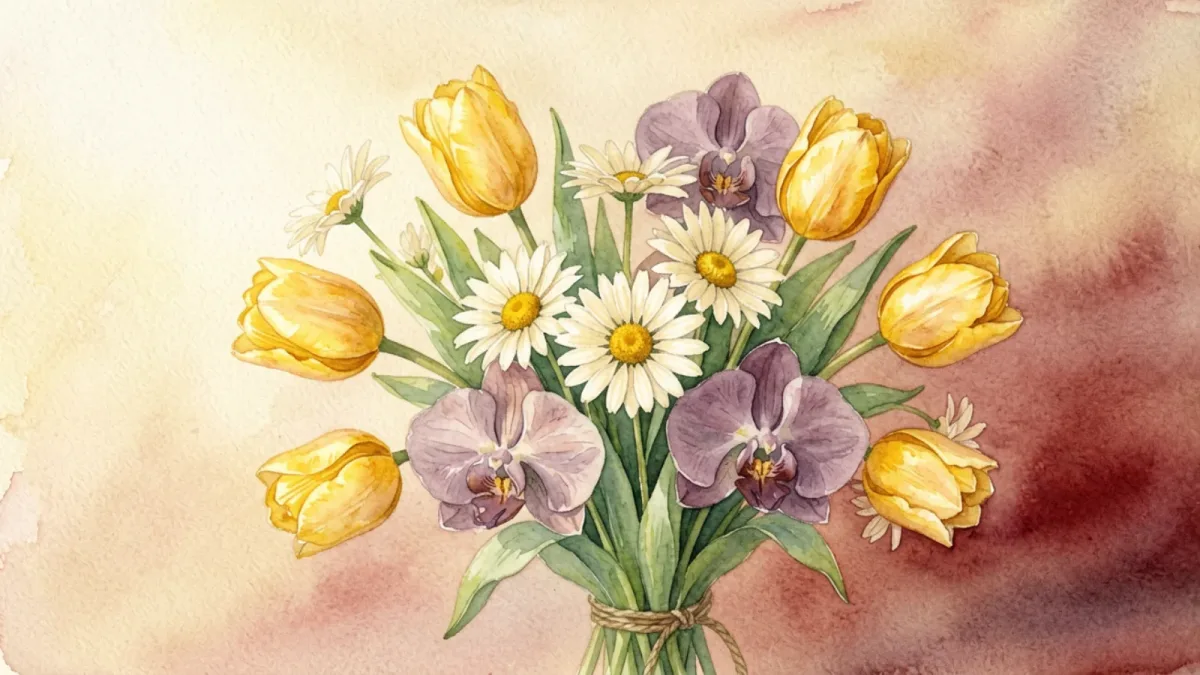
Virtual flowers are flowers that live online instead of in a vase. You pick a few blooms, arrange them into a bouquet, add a short message, and send the whole thing as a link. When the person you're thinking of opens it, the flowers reveal themselves on their screen — instant, free, and never wilting.
Sending flowers has always carried a meaning that words alone can't quite manage. Virtual flowers keep that meaning and remove everything that makes real flowers hard to send: the cost, the delivery wait, the distance, the bouquet browning on day six. What's left is the gesture itself, distilled into a link you can share from any device.
What are virtual flowers, exactly?
A bunch of virtual flowers is a small arrangement built from illustrated blooms — roses, peonies, tulips, daisies, lilies, orchids, camellias, lotuses — that you compose yourself. You choose which flowers go in, pick a card background, and write a note in your own words. The finished bouquet is then packed into a single shareable link.
That link is the bouquet. There's no server storing your message, no profile to maintain, no account either of you has to create. The flowers and your words are encoded directly into the link itself, which means what you send is private between you and the person who opens it — no comment thread to stumble onto, no data sitting in a database. Hand the link to someone and they tap it to find your arrangement waiting for them, on whatever device they happen to be holding. The link works on a phone in line at the grocery store, on a laptop at a desk, on a tablet in a hospital room — anywhere a browser opens.
This is what separates virtual flowers from a stock photo of a bouquet. A photo is the same for everyone; virtual flowers are yours, built by you, carrying your message, meant to be opened. The moment the recipient taps, the blooms settle into place against the card background you chose, and your note is right there beside them. It's a small reveal — closer to unwrapping a real bouquet than to scrolling past a picture — and because it asks nothing of them, the meaning lands immediately.
How virtual flowers work
The flow is deliberately small — about five minutes, four steps, and you can do the whole thing from your phone. You can send virtual flowers right now without leaving the site:
- Choose your flowers. A few blooms from the eight available, mixed for color and meaning.
- Pick a card style. A background that fits the moment, from soft cream to warm gold.
- Write your note. Up to 500 characters — the part they'll keep.
- Share the link. Text it, email it, post it. They open it and the flowers appear.
No sign-up, no checkout, no premium tier. Free means free, on every visit — the same flowers a stranger can send are the same ones you can. If you'd like to see how others put one together before you start, the digital bouquet guide walks through the same format from a slightly different angle.
Why choose virtual flowers over real ones?
Real flowers are wonderful. But they come with trade-offs that virtual flowers sidestep completely:
- Cost. A delivered bouquet runs $40–$100 and up; virtual flowers are free, every time.
- Speed. Florists offer same-day at best; a virtual bouquet arrives the second you send it.
- Distance. International flower delivery is expensive and unreliable; a link works anywhere there's a phone.
- Lifespan. Cut flowers last about a week; virtual flowers last as long as the link does — indefinitely.
- Friction. No ordering, no address forms, no delivery window to coordinate around.
- Conscience. No stems cut, no foam, no plastic sleeve headed for a landfill — a small thing, but it matters to people who'd rather their gesture not cost the earth.
None of this means virtual flowers replace real ones. Real flowers win on scent, on the weight of a wrapped bouquet in your arms, on the ceremony of a hand-delivered arrangement — if you live in the same city and want the full sensory moment, nothing beats showing up with stems. Virtual flowers win on almost everything else: cost, speed, distance, lifespan, and convenience. The two work best as a pair rather than a competition. Send virtual flowers when the moment is sudden, the distance is large, or the budget says no; send real ones when you can be there in person and the occasion calls for it. For a heartfelt note that needs to cross an ocean tonight, or a low-pressure hello on a random Tuesday, virtual flowers are often exactly the right size of gesture.
How to send virtual flowers
Building the bouquet is half of it; getting it to the person is the other half. Once you finish the four steps above, you'll have a single link that carries the whole arrangement. From there, sending is just a matter of how you'd normally reach them:
- By text. Paste the link into a message. This is the most common path — it lands in their hand within seconds, and they can open it without leaving their messaging app.
- By email. Drop it into a note with a subject line. Email suits a longer message or a more formal recipient, like a colleague or a friend you haven't spoken to in a while.
- On social media. Share it through whatever platform you both use. This works well for public congratulations — a graduation, a new baby, a promotion.
- As a comment or DM. Tucked into a reply on a post, a virtual bouquet can soften a tough conversation or surprise someone out of the blue.
The recipient doesn't need to install anything, sign up, or even know what virtual flowers are beforehand. They tap, the bouquet opens, and the meaning is self-evident. And because the link keeps working, they can reopen the same arrangement whenever they want a reminder — a quiet advantage over flowers that are gone a week after they arrive.
When to send virtual flowers
Because they're free and instant, virtual flowers fit a huge range of moments:
- Apologies — a virtual apology bouquet lands faster than a phone call you're dreading, and says what words alone can't.
- Get-well wishes — send brightness to someone stuck at home, with no allergies to worry about and no hospital flower rules to navigate.
- Long distance — a long distance bouquet crosses an ocean in a second, closing the gap for someone you can't be near.
- Birthdays — a birthday bouquet you composed yourself beats a forwarded meme, and takes about the same effort to send.
- Thank-yous — a quiet thank-you bouquet for the teacher, neighbor, or co-worker who showed up for you.
- Anniversaries — blooms you chose for each other rather than a generic arrangement pulled from a catalogue, marking the date on the exact morning it arrives.
- Just because — often the reason that lands hardest. Flowers sent for no occasion at all are frequently the ones people remember.
If you want the deepest dive on the format, the digital bouquet guide covers it in full, and the digital flowers page tells the same story from a sibling angle.
The same idea goes by another name: digital flowers. The two phrases point at the same thing from slightly different angles — virtual flowers emphasizes that the blooms aren't physical objects, digital flowers emphasizes that they travel through a digital link. Whichever term you searched, you're in the right place, and the digital flowers page tells the same story from the other angle.
Why a screen-delivered flower lands at all
It's fair to ask how a flower someone opens on a screen can carry real weight. A bouquet you can't hold or smell shouldn't, by any reasonable measure, mean as much as the physical version. Yet people screenshot them, reopen them months later, and react to them in a way they don't react to a forwarded photo. The honest explanation is that the emotional weight was never really in the petals — it was in the act of making and sending something, and a digital bouquet preserves that act while removing everything that gets in its way.
Three things do the work. The first is frictionless arrival. A real bouquet requires the recipient to be home, to find a vase, to deal with stems and water before it browns. A link lands in a message and opens in a second. The gesture reaches them at full strength, undiluted by logistics, which means the feeling hits before anything can dilute it.
The second is permanence. Cut flowers are temporary by design, and that transience is part of their poetry — but it also means the gesture is gone inside a week. A digital bouquet stays exactly as you made it, so the recipient can return to it. The third is the maker-not-buyer point. You didn't order this from a catalogue and pay someone to deliver it; you chose each bloom and wrote the note yourself. That authorship is what separates a virtual bouquet from a stock image, and it's the real reason the screen version lands at all. The medium is thin; the intent behind it isn't.
Send yours today
Virtual flowers are free, they arrive instantly, and they never wilt. There's nothing in the way — create a virtual bouquet and send it to someone now.
Frequently Asked Questions
What are virtual flowers?
Virtual flowers are flowers that exist online rather than in a physical bouquet. You arrange a bunch of blooms, add a message, and send the result as a link the recipient opens in their browser — free, instantly, and without anything wilting.
Are virtual flowers really free to send?
Yes. Creating and sending virtual flowers on digibouquet.site costs nothing — no subscription, no paywall, no account. Every flower and card style is available to everyone.
What's the difference between virtual flowers and digital flowers?
Almost nothing — they're two names for the same idea. 'Virtual flowers' emphasizes that the blooms aren't physical; 'digital flowers' emphasizes that they're delivered through a digital link. Both arrive instantly, cost nothing, and never wilt.
How does the recipient open them?
You send a link by text, email, or social media. The recipient taps it and the bouquet appears in their browser — no app to install and no sign-up on their end.
Do virtual flowers last?
Yes. Because the bouquet is encoded in the link, it stays exactly as you made it indefinitely. Real flowers fade in about a week; virtual ones can be reopened anytime.
Make your own in five minutes
Choose flowers, write a note, and share a link — free.
Create a digital bouquet →